Start with a bounded task
A useful AI coding request describes an observable result. Instead of asking an assistant to improve the entire application, name a particular behavior: an empty form should show a validation message, an expired session should return to sign-in, or a list should preserve its filter after navigation. Include the current behavior, the expected behavior and constraints the change must respect. Small tasks are easier to review and give the model fewer opportunities to make unrelated changes.
Supply the context that matters
Identify the relevant files, framework and existing conventions. Include a reproducible error when debugging. Remove secrets, customer records and unrelated private material from examples. More context is not automatically better: a complete error message and the function that triggered it can be more useful than a large unfiltered file dump. Check the product's data-handling documentation before sending proprietary code to a remote model.
Ask for an approach before a large change
For a change spanning several files, ask which files need to change and why. Compare that approach with your architecture. A proposal that adds a new dependency or rewrites an entire module for a small fix deserves further inspection. State whether compatibility, accessibility or an existing API response must be preserved. Use a separate conversation when the goal changes substantially so an earlier assumption does not silently drive the next task.
Inspect the change, not just the explanation
Review the actual diff. Look for deleted checks, hardcoded responses, hidden errors, permission changes and changes outside the task. A convincing summary is not evidence that the implementation works. Generated code can be syntactically valid while implementing the wrong behavior. Pay particular attention to authentication, payment logic, database migrations and external requests.
Verify against the original requirement
Run the checks appropriate to the repository. For a bug fix, reproduce the original failure and verify the corrected behavior. For a visual change, inspect the target viewport and keyboard interaction. Tests that only repeat the implementation may pass while missing the user's problem. Record what was checked and what remains uncertain. If a required test cannot run, keep that limitation visible instead of treating a successful build as complete validation.
Iterate from evidence
When a result fails, share the exact error and the smallest relevant reproduction. Ask for a targeted correction rather than restarting the whole change. Before merging, review the combined diff again: several locally reasonable iterations can leave duplicate logic or an inconsistent design. Keep a clear stopping condition so the assistant does not keep changing a working implementation.
Apply the workflow in Coduf
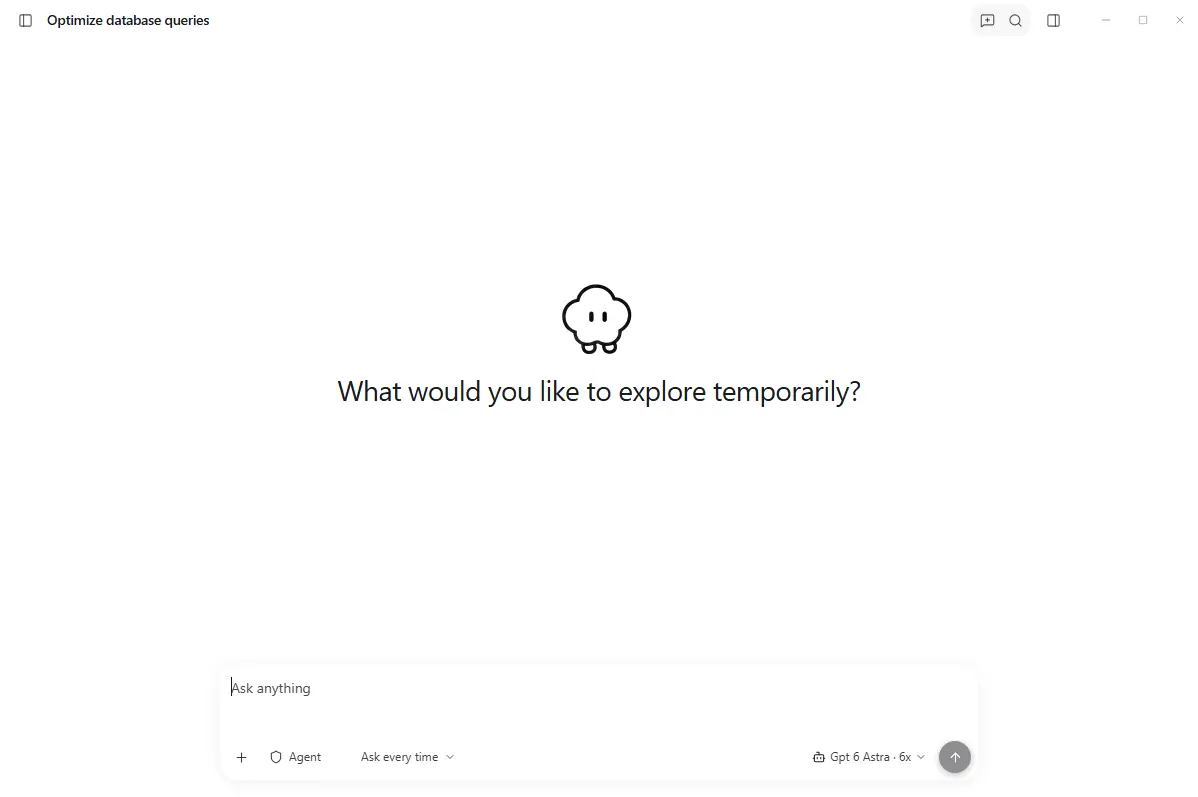
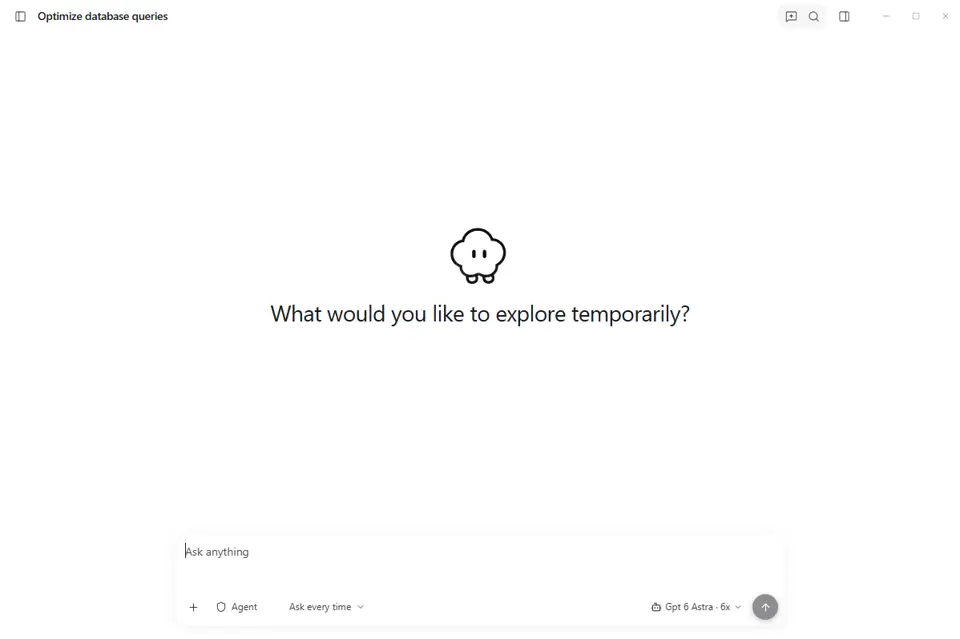
Use a dedicated conversation for the task and keep the relevant project in view. The Coduf desktop screenshots show project and session navigation; your available models and usage depend on your account configuration. Check the current download and pricing pages for the released application and account options. This guide describes a review process, not a guarantee that any model can complete a task without human verification.
Your next project starts here.
Explore the desktop app and choose the plan that fits your workflow.